Game Introduction:
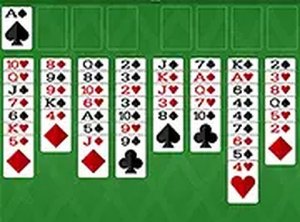
FreeCell Solitaire Classic is a beloved variation of the traditional Solitaire card game that challenges your strategic thinking and planning skills. In this game, your goal is to move all 52 cards from the tableau to the four foundation spots, starting with the Aces. Unlike other Solitaire versions, FreeCell gives you four free cells that act as temporary holding areas, allowing you to sort cards more flexibly. The foundations are built up by suit from Ace to King, while the tableau columns must be arranged in descending order with alternating colors. This game is perfect for players who enjoy logic-based puzzles and want a solitaire experience that relies more on skill than luck. You can play FreeCell Solitaire Classic directly in your browser on any device, making it easy to enjoy a quick game anytime.
How to Play:
To play FreeCell Solitaire Classic, start by examining the tableau, which consists of eight columns of cards. Your objective is to move all cards to the four foundation piles, building each pile from Ace to King in the same suit. Use the four free cells at the top of the screen as temporary storage to help rearrange cards. You can move cards between tableau columns as long as they follow descending order and alternate colors. For example, you can place a red 7 on a black 8. When you free up an Ace, move it to a foundation spot. Continue moving cards strategically to clear the tableau. The game is won when all cards are in the foundation piles. Play directly in your browser on desktop or mobile with full screen mode for a better view.
Game Features:
FreeCell Solitaire Classic offers strategic gameplay, four free cells for planning, and full screen mode.
Game Conclusion:
FreeCell Solitaire Classic is a rewarding and thoughtful card game that sharpens your mind while providing relaxing fun. Try it now for free.