
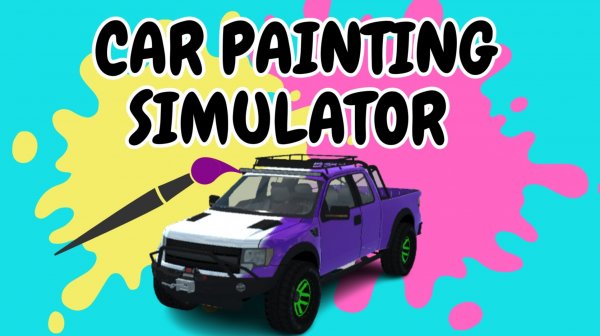
Car Painting Simulator Arcade
Reviews
About this game
Game Introduction
Car Painting Simulator is a creative online game that lets you turn ordinary cars into colorful works of art. Using a variety of paints and stickers, you can customize your vehicle to reflect your personal style. Once your design is complete, you can take it for a test drive in a vibrant open area. Developed by APEKung in December 2020, this browser-based game provides a safe and enjoyable experience for players of all ages. It combines artistic expression with the thrill of driving, making it a unique and engaging activity.
How to Play
To start playing, enter Paint Mode to customize your car. Use the WASD keys to move the camera around the vehicle. Click the left mouse button to apply paint to the car's surface. Hold the right mouse button and drag to rotate the camera for a better view. Press E to expand your painting tool or Q to shrink it. Press R to rotate stickers before placing them. When you finish painting, switch to Test Drive Mode. Use the WASD or arrow keys to drive your custom car around the open area. Press C to change the camera view, F to use a nitro boost, and the space bar for the handbrake. Experiment with different designs and enjoy the freedom of driving your creation.
Game Features
Creative painting and sticker customization allow for unique designs. A free test drive mode lets you drive your car after painting. Intuitive controls make painting and driving easy to learn. Family-friendly content ensures a safe experience for all ages. The game runs directly in a browser without downloads.
Tips for Success
This game offers a calm and satisfying way to express creativity through car design. The driving mode adds a fun reward for your artistic efforts, making it a pleasant activity for short breaks or extended play.
Leave a Comment